Buying guides
CCTV Balun: Use Cat5e or Cat6 Cable for Analogue Cameras
A passive CCTV balun puts analogue video on Cat5e or Cat6 cable. Fit one at each end, and check connector type and resolution first.
A CCTV balun lets an analogue camera send its video down Cat5e or Cat6 network cable instead of coax. It is a small passive adapter with a BNC connector on one side and a twisted-pair connection on the other, needs no power supply of its own, and you fit one at each end of the run: one at the camera and one at the recorder. If you already have a spare network cable in the wall, or you would rather pull network cable than coax, a pair of baluns is the usual way to use it with HD-TVI, HD-CVI and AHD cameras. The sections below cover how to choose between the types we sell and when a balun is the wrong tool.
What a passive video balun does
Analogue CCTV cameras output video on a BNC connector. A balun converts that single-ended signal to a balanced one that can travel along a twisted pair, and a second balun at the other end converts it back. Passive means there are no electronics needing power: the adapter simply matches the signal to the cable. Our baluns suit HD-TVI, HD-CVI and AHD cameras as well as standard analogue video, used with compatible equipment.
Which connector type do you need?
The first choice is how the balun connects to the cable.
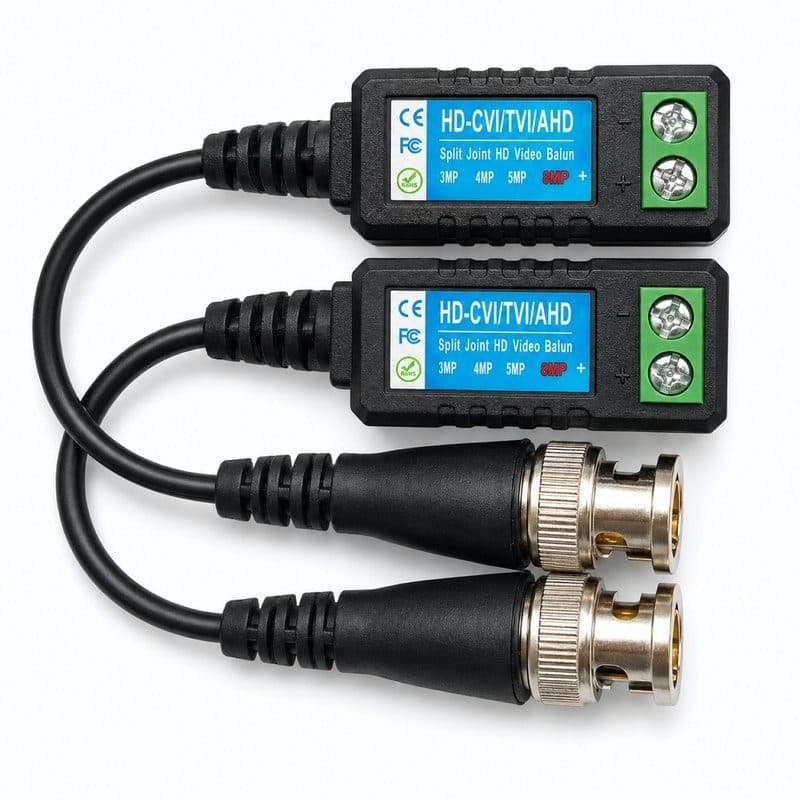
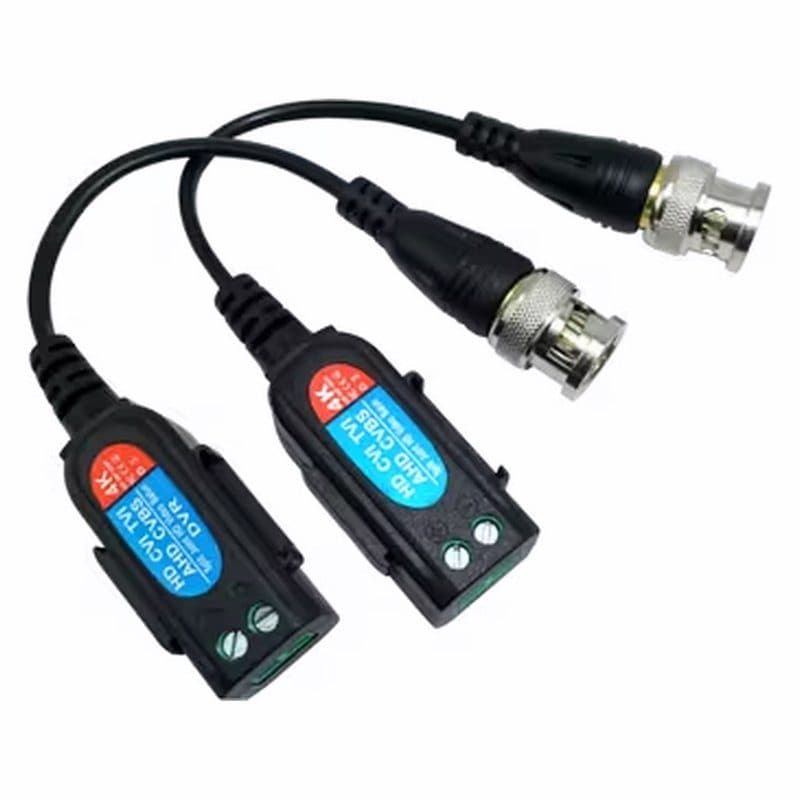
- Screw terminal. You strip the cable and tighten the wires into a terminal block, with no crimping tool or soldering. The passive HD-CVI TVI AHD screw terminal balun and the 8MP 4K passive balun with BNC screw terminal work this way.
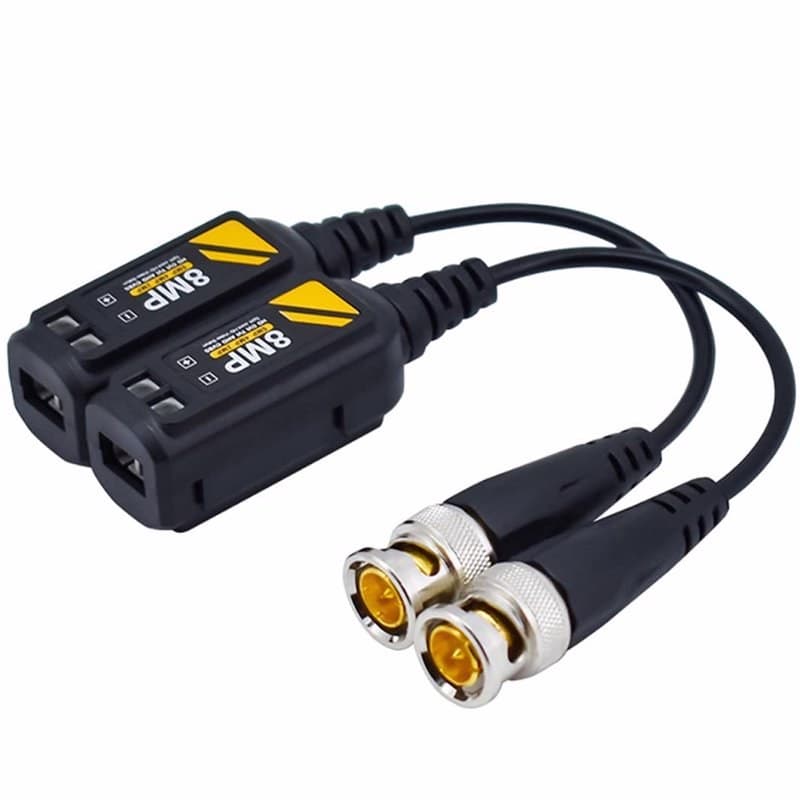
- BNC to RJ45. The 8MP 4K balun with an RJ45 port takes a standard network plug, so you can use an ordinary patch lead or a cable already terminated with RJ45.
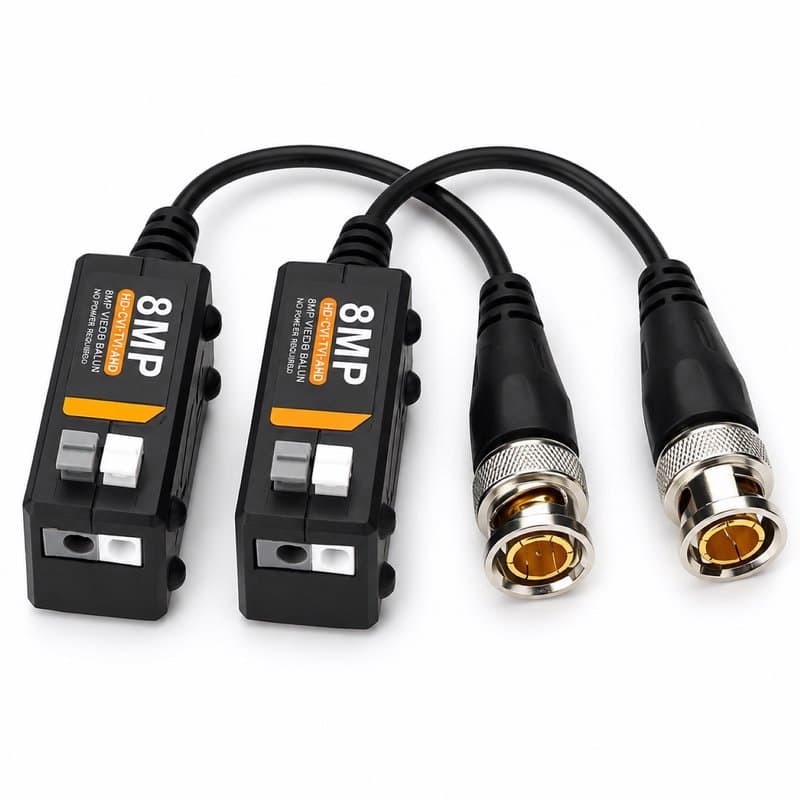
- Push-in. The push-in 8MP 4K balun has a gold-plated connector plate and also takes Cat5e or Cat6.
What to check before you order
- Resolution. Match the balun to your camera. The 8MP 4K screw terminal baluns support up to 8MP (4K). For the RJ45 8MP balun, ask us about resolution before ordering.
- Power. A standard passive balun carries video only. If your camera is powered over the coax cable (PoC), look at the 8MP 4K passive PoC balun, which states support for PoC compatible systems. Otherwise the camera still needs its own power from a separate supply.
- Cable. These baluns use Cat5e or Cat6 UTP. If you need new cable, see Wire & Cable.
- Quantity. Each camera needs two baluns, one at each end. The transceiver pair is sold as two units, which suits a single camera.
Fitting a balun
Connect the camera's BNC lead to the balun at the camera end, and the recorder's video input to the balun at the recorder end. Then join the two baluns with Cat5e or Cat6 cable, using the same connection at both ends. For wiring beyond that, follow the instructions that come with your balun.
When a balun is the wrong tool
IP cameras do not need a balun. They send network data and already use Cat5e or Cat6 cable, with power from a PoE switch or injector. Plugging a balun in front of an IP camera will not work. A balun is for analogue and HD-over-coax cameras only. You can browse the full range of BNC and balun parts in Connectors.