Articles
Articles
Technical articles from CCTV Gear: part comparisons, compatibility notes and specifications explained.
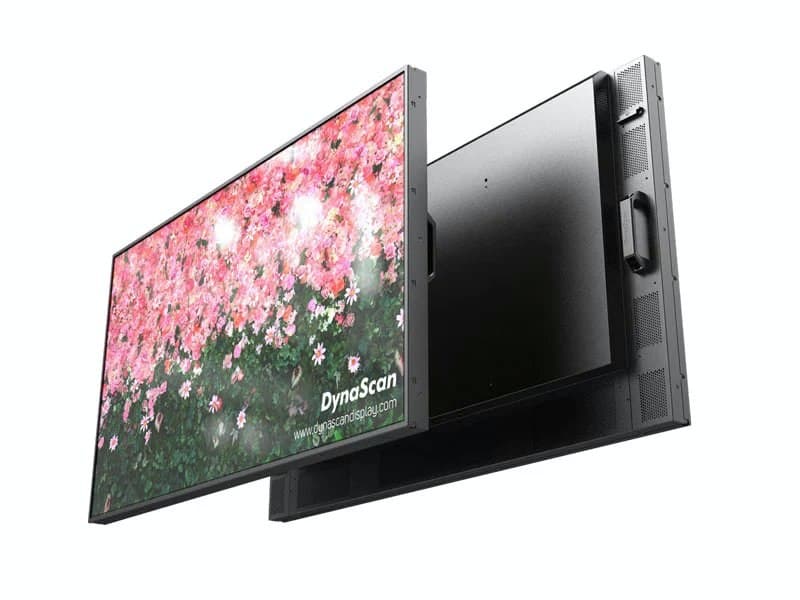
- CCTV Monitor: HDMI or VGA, and Which Screen to Use
Use the recorder's HDMI output when the screen has HDMI, VGA only as the fallback, and choose a screen made for continuous operation.
2 min - Cat5e vs Cat6 for CCTV: Which Cable, Indoors and Out
Solid-copper Cat5e carries PoE and the picture for an IP camera up to 100 m. Here is when Cat6, Cat6A or shielded cable is worth it, indoors and out.
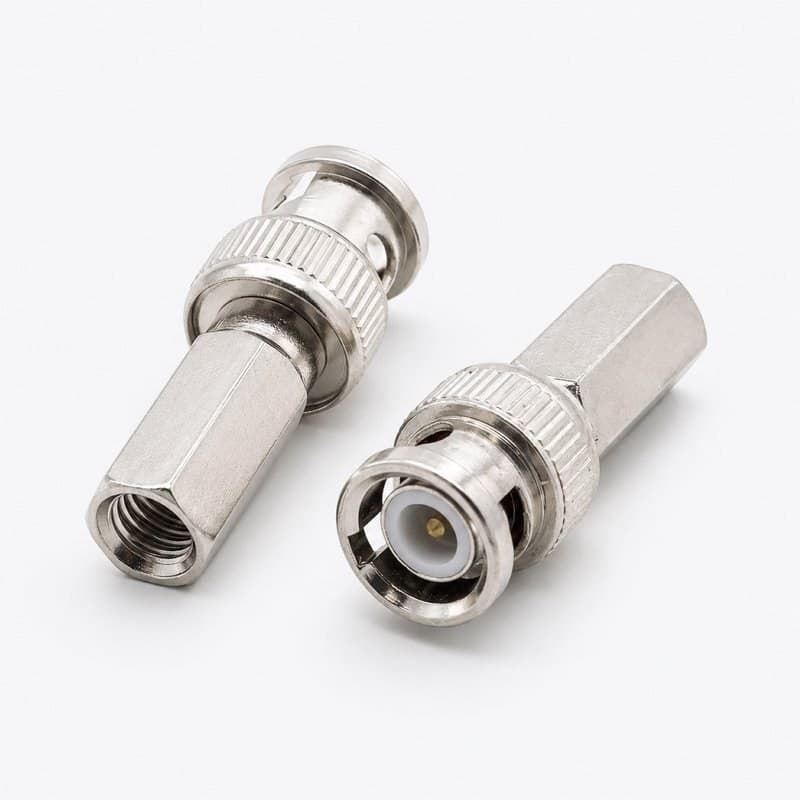
11 min - BNC Connector Types: Crimp, Twist-On or Spring Loaded
Crimp, twist-on or spring loaded: how to pick the BNC connector for an existing CCTV coax run, by cable type and the tools you have.
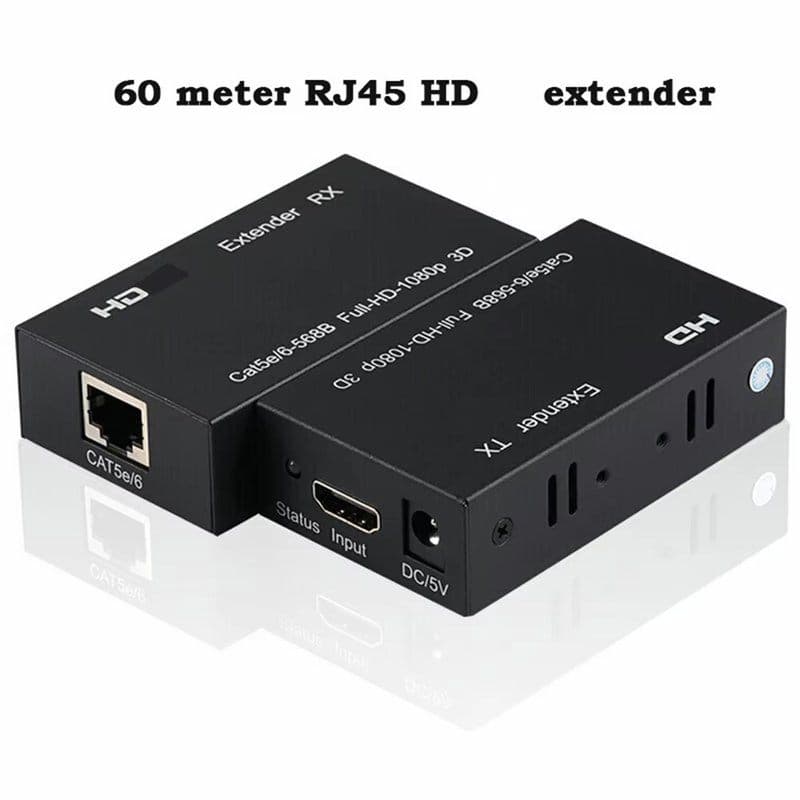
2 min - HDMI Extender Over Cat6 for a CCTV Monitor Far Away
A transmitter at the recorder, a receiver at the monitor and one Cat5e or Cat6 cable between them. Here is what each of our kits lists for reach and cable.
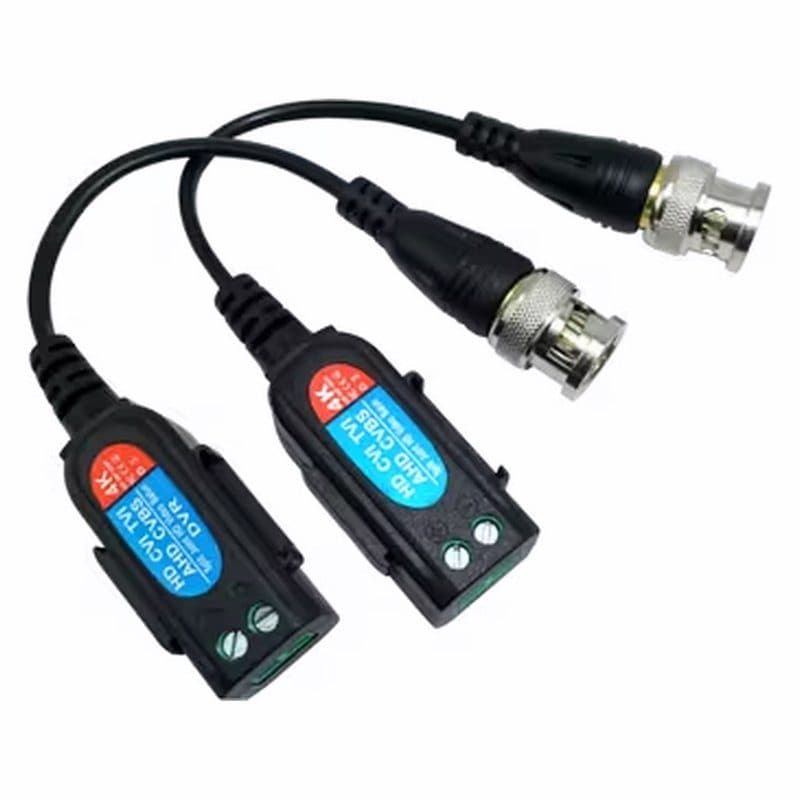
4 min - CCTV Balun: Use Cat5e or Cat6 Cable for Analogue Cameras
A passive CCTV balun puts analogue video on Cat5e or Cat6 cable. Fit one at each end, and check connector type and resolution first.
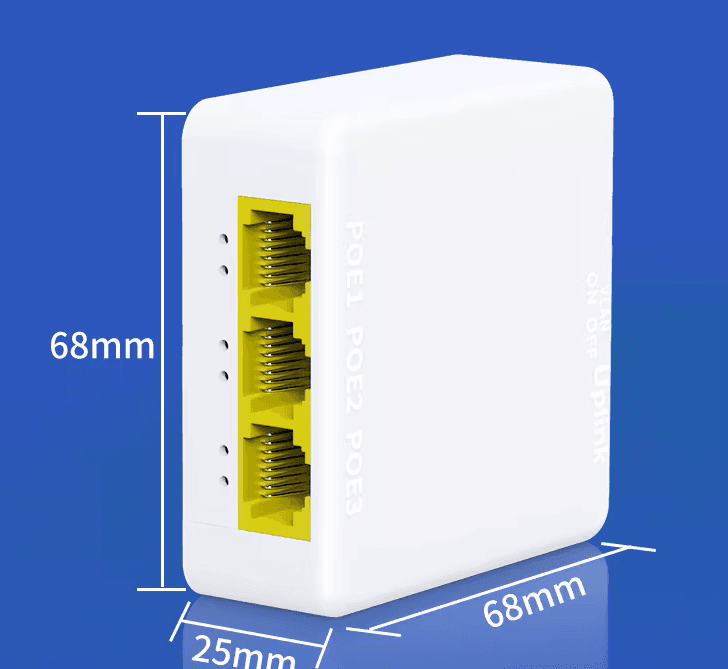
3 min - PoE Extender: Run a PoE Camera Past the 100 m Limit
PoE cable is specified for 100 m. A PoE extender passes power and data further, if your switch budget and cable allow it.
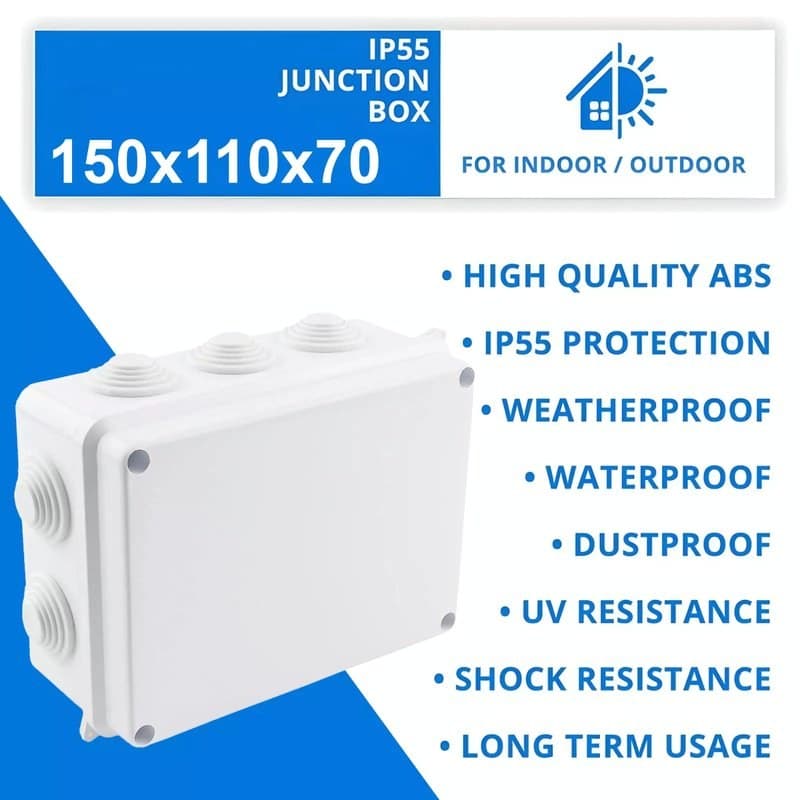
3 min - CCTV Junction Box: When You Need One and Which to Fit
A junction box shelters cable joints and gives a camera a neat base. Match it to the camera's mounting base, then fit it with the cable entry sealed.
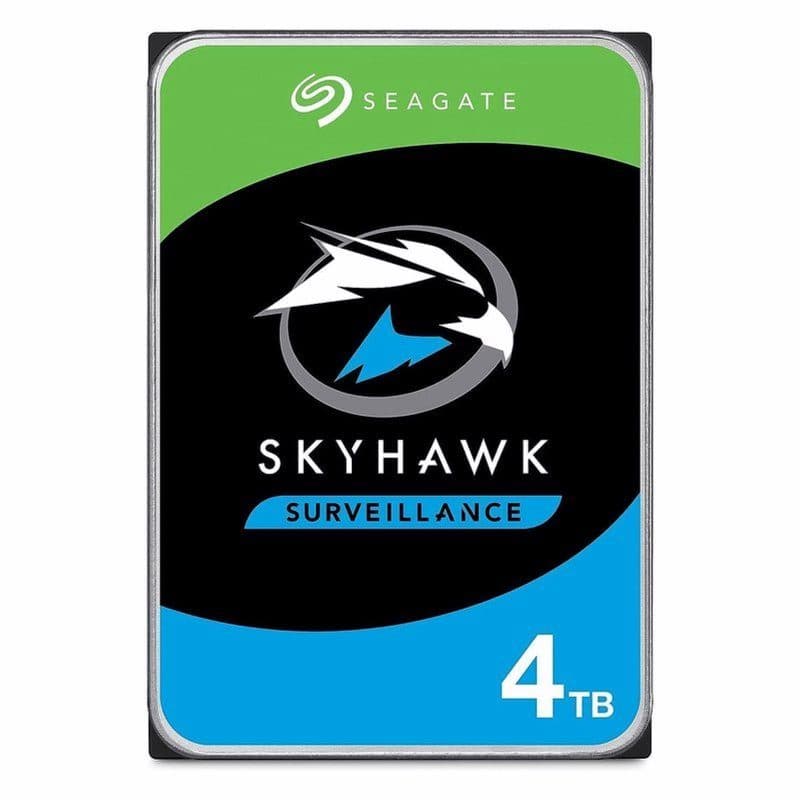
3 min - Hard Drive for CCTV Recorder: How Many TB You Need
Use a drive built for 24/7 recording, then size it by camera count, bitrate and days of footage kept.
3 min - CCTV Camera Power Supply: Adapter or Power Box?
Add up your cameras' amps, leave about 20% spare, then pick a single adapter, a multi-port unit or a power box.
3 min