
Buying guides
CCTV Monitor: HDMI or VGA, and Which Screen to Use
Use the recorder's HDMI output when the screen has HDMI, VGA only as the fallback, and choose a screen made for continuous operation.
Look at the back of your recorder. If it has an HDMI output, use that for your CCTV monitor: none of the recorders below lists a higher resolution on VGA than on HDMI. Use VGA only when the screen has no HDMI input. The real choice is the screen: for one that stays on all day, pick a display its maker describes for continuous operation.
HDMI or VGA: what our recorders list
Most recorders have both outputs. What differs is the top resolution of each, so check the recorder first. These are the figures for four we stock:
| Recorder | HDMI output | VGA output |
|---|---|---|
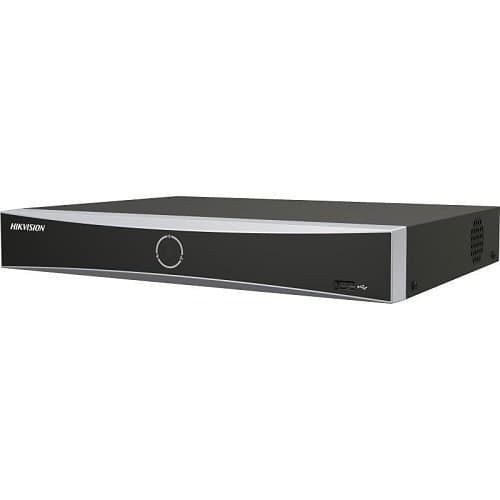
| Hikvision DS-7604NXI-K1/4P | Up to 4K | Up to Full HD |
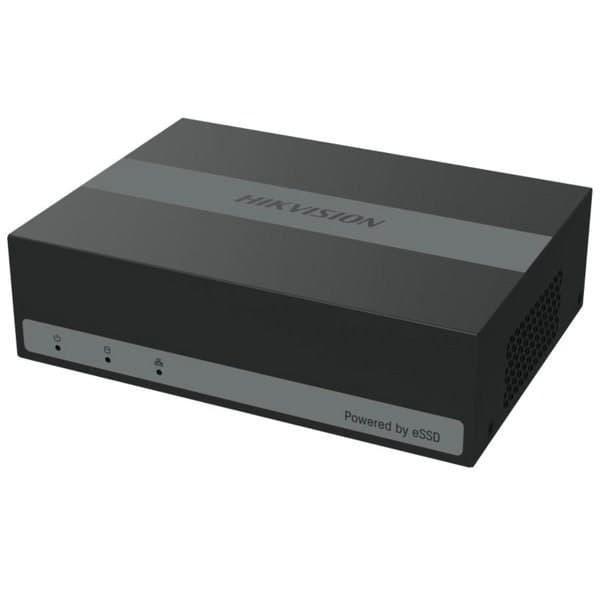
| Hikvision iDS-E04HUHI-B | Full HD | Full HD |
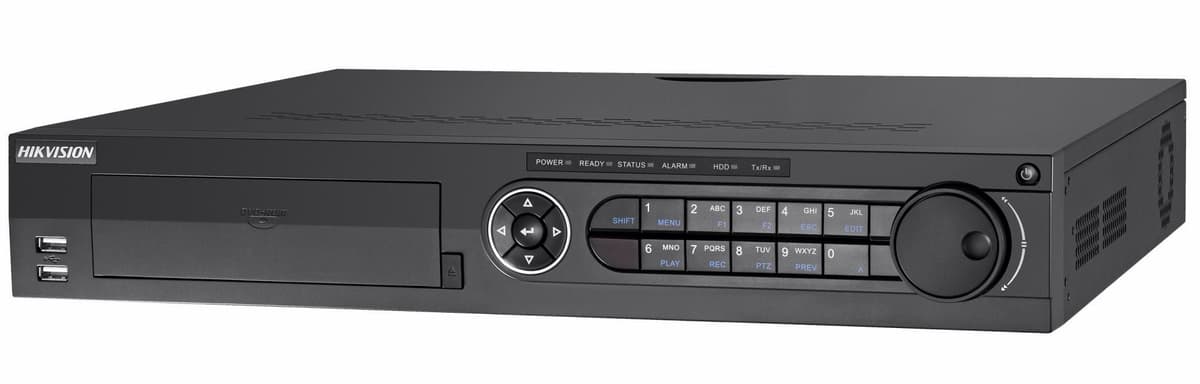
| Hikvision DS-7332HQHI-K4 | Two outputs, the second up to 4K | Yes, with a CVBS output as well |
| XVR-3108AD-4MP | Yes | Yes |
The Hikvision DS-7604NXI-K1/4P can run its two outputs at the same time or independently. The Hikvision DS-7608NI-M2/8P also has independent HDMI and VGA outputs, with HDMI up to 8K. So if both your recorder and your screen have HDMI, use HDMI and keep VGA for an older monitor beside it.
Which screen suits a recorder that runs all day
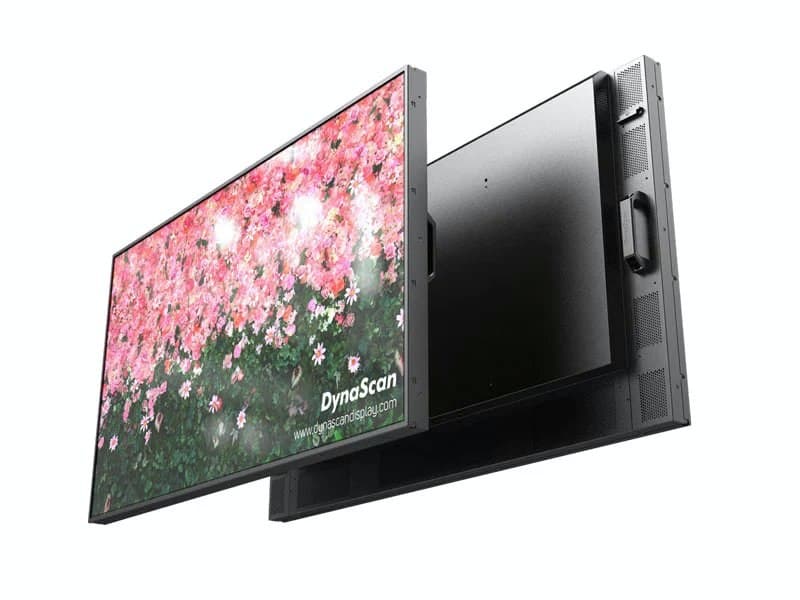
A CCTV monitor is often on around the clock, so look for a screen made for that. The DynaScan DS491LT4 is a 49 inch Full HD (1920 × 1080) professional display, described for places where high brightness and continuous operation are required. Ask us before ordering if you need to know which video inputs it has.
The Philips 65HFL6214U/12, Optoma 3752RK, Optoma 5862RK and Vivitek BK862i in our TV and monitor category all list HDMI inputs. If your recorder only has VGA, ask us before ordering.
Plugging a recorder into a TV
Our black HDMI extender kit lists this use: the transmitter connects to the source device such as a DVR or NVR, and the receiver connects to a display such as a monitor, HDTV or projector.
When the screen is far from the recorder
When the screen is far away, an HDMI extender sends the signal down network cable instead. Our 30m extender kit carries Full HD 1080p over a single Cat5e or Cat6 cable, and the 120m kit carries 4K over Cat6. To show one recorder on several screens, the 4-way HDMI splitter takes one HDMI input to four outputs. Our guide to an HDMI extender over Cat6 for a CCTV monitor covers cable and reach in full, and the whole range is under HDMI extenders.
Parts named here
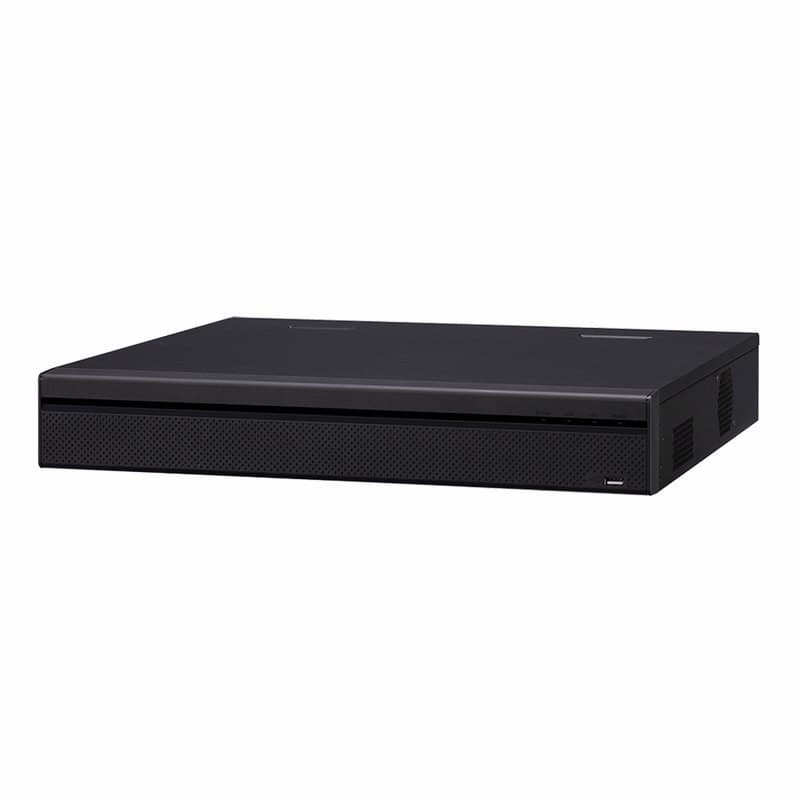
- Part number DS-7604NXI-K1/4PHikvision DS-7604NXI-K1/4P 4-ch PoE 1U K Series 4K NVR, 1 HDD
- Part number IDS-E04HUHI-BHikvision IDS-E04HUHI-B 4-ch 8MP 1U H.265 DVR with eSSD Storage Technology
- Part number DS-7332HQHI-K4Hikvision DS-7332HQHI-K4 5MP 32-Channel Hybrid DVR, 1.5U, Four HDD Bays
- Part number XVR-3108AD-4MPUnbranded XVR-3108AD-4MP 8 Channel 4MP Hybrid HD DVR with 1 SATA HDD Bay
Frequently asked questions
Should I use HDMI or VGA for a CCTV monitor?
Use HDMI when both the recorder and the screen have it. On the Hikvision DS-7604NXI-K1/4P, HDMI goes up to 4K and VGA up to Full HD.
How do I connect a CCTV recorder to a TV or monitor that is far away?
Use an HDMI extender: the transmitter connects to the DVR or NVR and the receiver to a monitor, HDTV or projector, as our black HDMI extender kit lists.
What screen should I use for a recorder that is on all day?
Pick a display its maker describes for continuous operation, such as the DynaScan DS491LT4 49 inch Full HD display.
How do I put the screen in another room?
Use an HDMI extender over Cat5e or Cat6. Our 30m kit carries 1080p and our 120m kit carries 4K over Cat6.
Part types on this subject
- CCTV monitor
- HDMI
- VGA
- connect CCTV to TV
- CCTV accessories
Written by
CCTV Gear team