Buying guides
HDMI Extender Over Cat6 for a CCTV Monitor Far Away
A transmitter at the recorder, a receiver at the monitor and one Cat5e or Cat6 cable between them. Here is what each of our kits lists for reach and cable.
An HDMI extender over Cat6 lets a CCTV monitor sit far from the recorder: a transmitter plugs into the recorder's HDMI output, a receiver plugs into the monitor, and one network cable runs between them. You do not pull a long HDMI lead through the building. The kits below send HDMI video over Cat5e or Cat6, and each has its own reach, 30 metres for three of them and 120 metres for the long-range one. This guide covers what is in the box, what resolution each kit lists and what cable it needs.
How the kit works
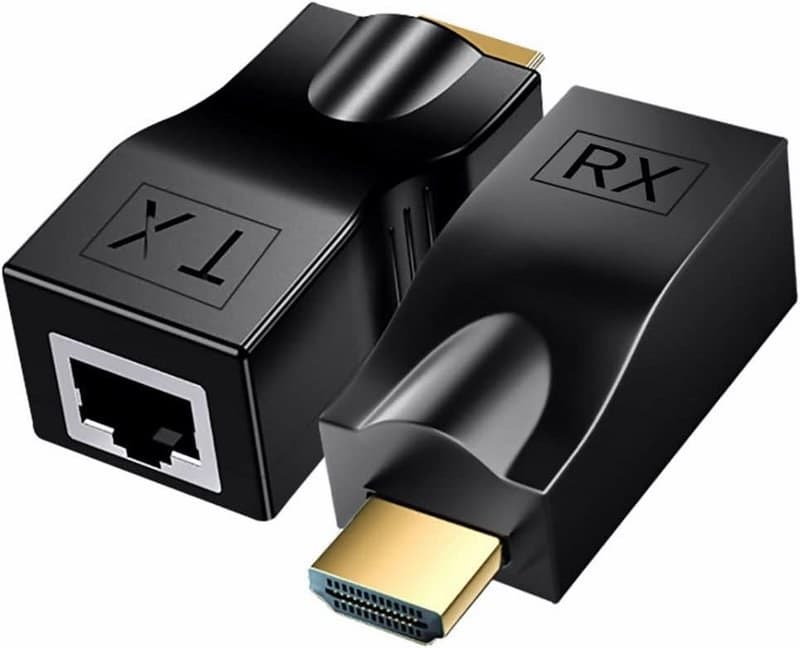
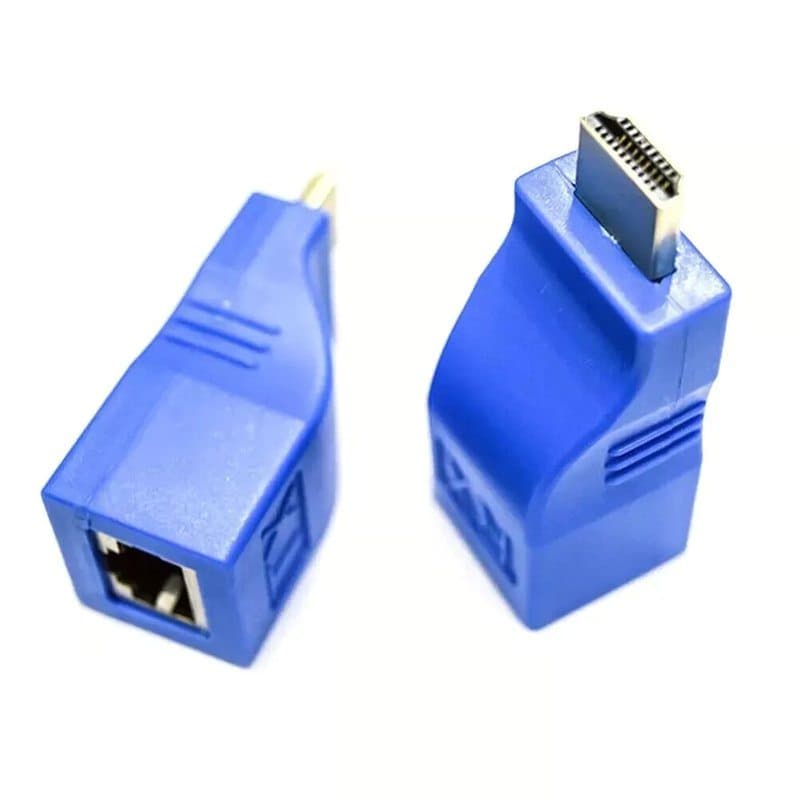
Every kit is a pair of small units. The transmitter (TX) connects to the HDMI source, which for a CCTV system is the recorder's HDMI output. The receiver (RX) connects to the monitor, television or projector. Each unit has an RJ45 socket, and a single Cat5e or Cat6 cable goes from the TX socket to the RX socket. The kits are point to point: one transmitter feeds one receiver over that cable.
The picture and sound both travel down the one cable. The kits are plug and play, so there is no software to load and no recorder setting to change.
Which kit for which run
Each kit's reach is given with it.
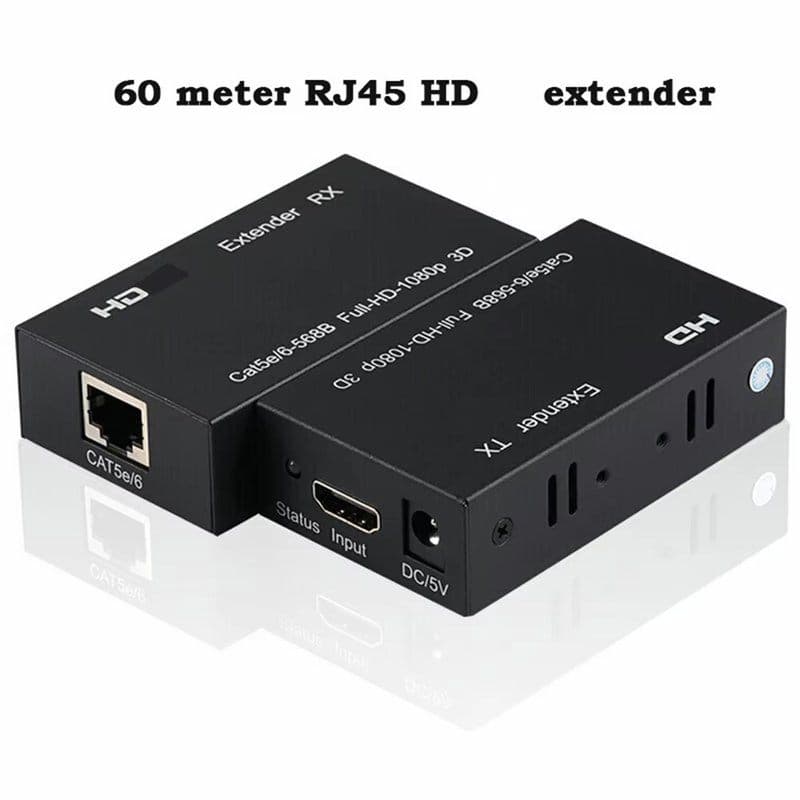
- 30m Full HD kit with two power adapters. The HDMI extender over Ethernet RJ45, 1080P, 30m (100ft) lists Full HD 1080p at 60Hz over Cat5e or Cat6, up to 30 metres. The box holds the transmitter, the receiver, two 5V power adapters and a user manual. It is 1080p at most, so it does not carry 4K, and it has no IR pass-through. We recommend pure-copper Cat6 cable for the best performance.
- 30m Full HD extender for a DVR, NVR and monitor. The HDMI extender over Cat5e/Cat6, 30m, RJ45 LAN, 1080P is a transmitter and receiver kit. It is described for a source such as a computer, DVR, NVR or media player feeding a monitor, television or projector, and it carries both video and audio.
- 30m pair with no setting. The HDMI-compatible extender, 1080P, RJ45 ports, 30m over Cat5e/6 is listed as a pair of modules that work without setting and without an external power supply. It supports 1080P and does not support HDCP, and with Cat6 cable the listed distance is 30 metres.
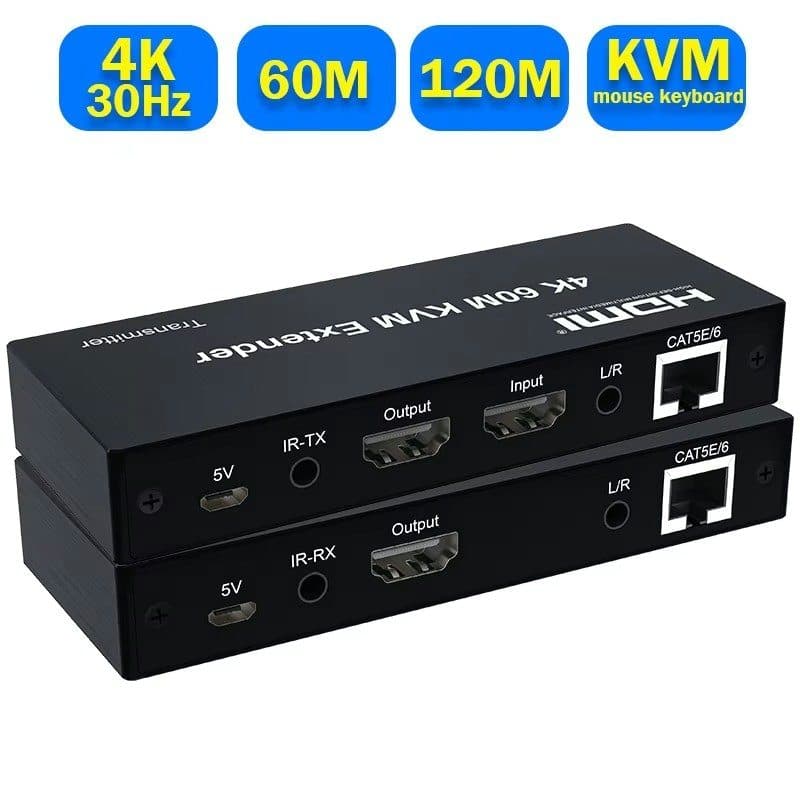
- 120m long-range 4K kit. The 4K KVM HDMI extender over Cat6, 120m (400ft) sends 4K HDMI video and digital audio up to 120 metres over a single Cat6 cable. It suits security and surveillance control rooms. The box holds the transmitter, the receiver, two power adapters and a user manual.
What cable the extender needs
The kits use ordinary Ethernet cable with an RJ45 plug at each end, and each kit has a named cable. The three 30 metre kits list Cat5e or Cat6, and the 30m pair with no setting reaches its 30 metres on Cat6. The 120 metre kit lists a single Cat6 cable and says pure-copper Cat6 is required for the full 120 metre reach, with Cat6a recommended for the best performance. A cable that is not pure copper is therefore the first thing to rule out if a long run gives a poor picture.
Because the extender is point to point, there should be no network switch in the run, and the 120m kit needs a direct run. The cable should go straight from the TX socket to the RX socket. If you need to buy cable, see Wire & Cable, and for the extender kits themselves see HDMI Extender.
Check these before you order
- Measure the cable route, not the straight line. A run round corners and through ceilings is longer than the distance across the room. Compare the full route with the listed reach.
- Match the resolution. Three of the kits stop at 1080p. If the monitor and recorder output are 4K and you want to keep that picture, the 120 metre 4K kit is the one that lists 4K.
- Check where the power comes from. Two of the kits list power adapters in the box. The 30m pair with no setting needs no external power supply. For the 30m DVR, NVR and monitor kit, ask us before ordering if power matters for your wiring.
- Do not expect remote control. The 30 metre kit with power adapters lists no IR pass-through, so a remote control will not work through it.
If you are unsure which kit suits your monitor and recorder, ask us before ordering. Give us the model of the recorder, the monitor and the length of the cable route, and we will tell you which kit in the range fits the run.