
Buying guides
CCTV Camera With Audio: Mic, Recorder and UK Rules
A camera records sound only with a built-in mic and a recorder set up for it. See which of our cameras have one and what the ICO says about audio.
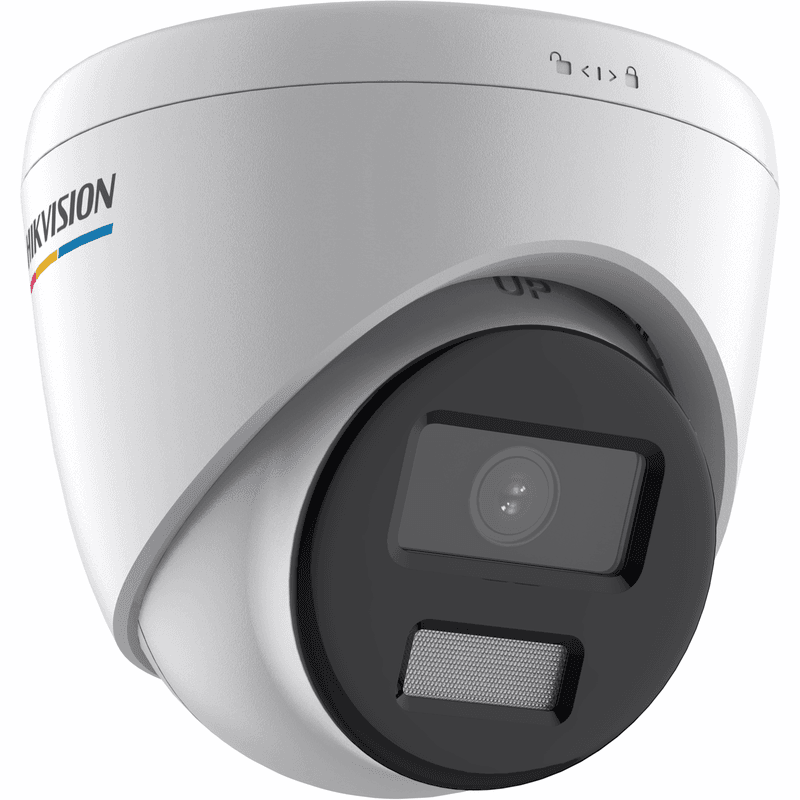
A CCTV camera with audio only records sound if it has a built-in microphone and the recorder it connects to is set up to keep that sound. Several of the cameras we list have a built-in mic, but sound is more intrusive than video, so under UK data protection guidance you should only record it when you can justify it. Below is which of our cameras have a mic, what to check on the recorder, and what the Information Commissioner's Office (ICO) says.
IP camera with microphone: what we list
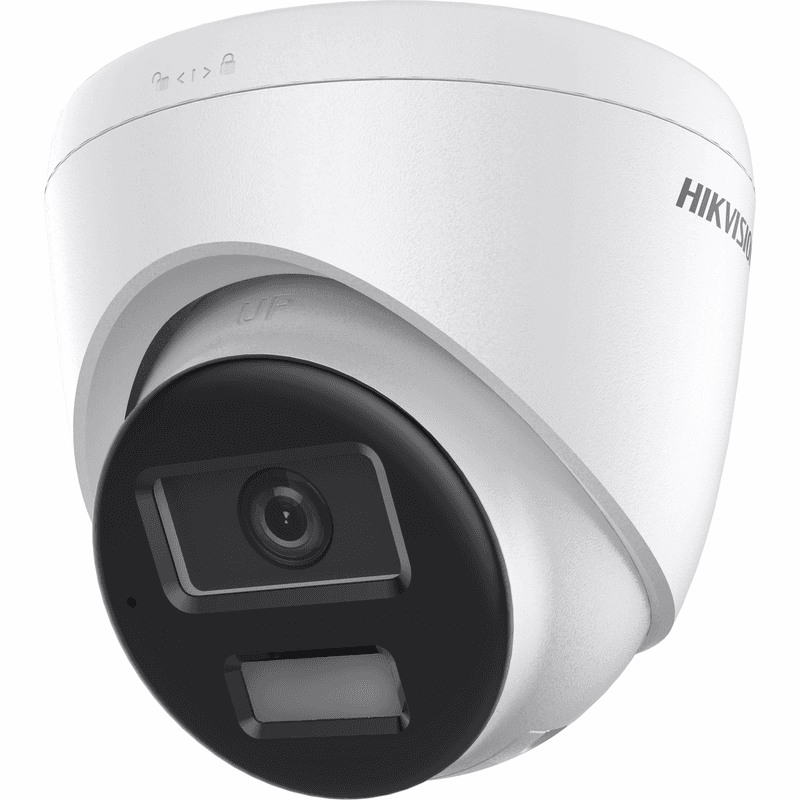
An IP camera with a microphone sends sound and picture down the same network cable. Several of our IP cameras have a built-in mic; here are three examples. The Hikvision DS-2CD1327G2-LUF is a 2MP ColorVu PoE turret with a built-in microphone and an IP67 enclosure. The Hikvision DS-2CD1383G2-LIU is an 8MP PoE turret with Smart Hybrid Light and a built-in microphone. The Hikvision DS-2CD1053G0-IUF is a 5MP fixed bullet with a built-in mic, IP67 and PoE. All three work with Hikvision NVRs and ONVIF-compatible recording systems. The Hikvision DS-2CD1343G2-LIUF/SL (4MP) and DS-2CD1383G2-LIUF/SL (8MP, also in black) are Smart Hybrid Light PoE turrets with built-in two-way audio, an integrated microphone and speaker. You can browse them in our IP camera range.
Analogue cameras with audio over coax
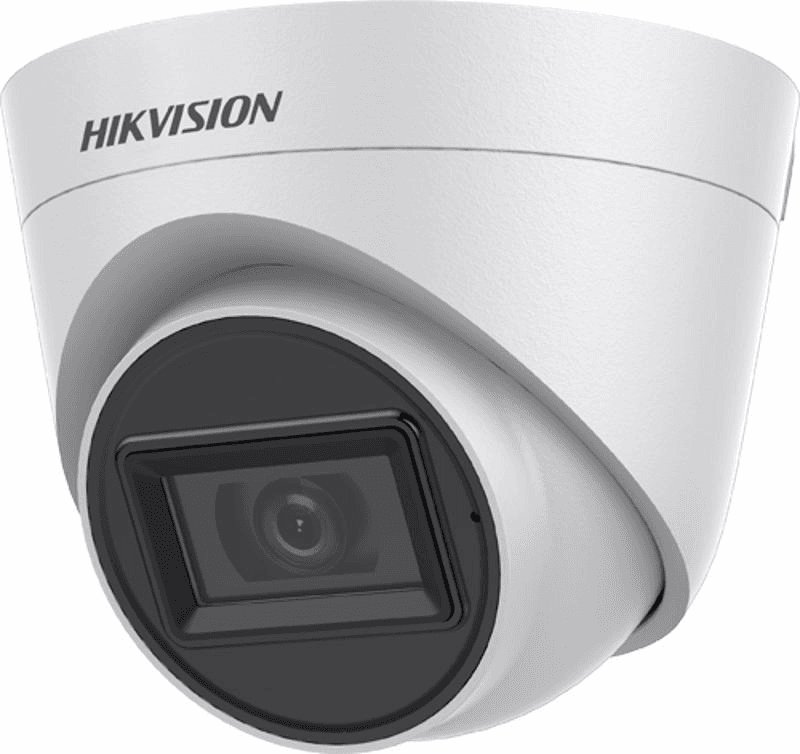
Some HD-TVI cameras carry sound too. The Hikvision DS-2CE78H0T-IT3FS is a 5MP turret with a built-in microphone. Its audio travels over the same coaxial cable as the picture, so no extra audio wire is needed, but only when it is connected to a Hikvision DVR that supports audio over coax. The Hikvision DS-2CE78K0T-LTS and DS-2CE78K0T-LPTS are 3K turrets described as two way audio, with a microphone and speaker, and the same coax and DVR condition applies. The Hikvision DS-2CE17K0T-LXTS is a 3K bullet with a built-in mic and a siren. Find them in our Turbo HD camera range.
Built-in mic or separate audio
A built-in mic needs no extra parts: the sound comes down the camera's own cable. If you want sound from a camera without one, you would need a separate microphone, an audio cable and a recorder input that accepts it. We stock in-line microphone modules with RCA and 2.1mm jack connectors, but we have no information that says they pair with any given camera or recorder. Ask us before ordering if you plan to add a separate microphone.
Recorder and settings to check
- For IP cameras, check that your NVR is compatible with the camera, then check that audio is switched on in the camera's settings and in the recorder's stream settings. A camera with a mic does not always record sound by default.
- For analogue cameras, check that the DVR supports audio over coax. A DVR without it will record the picture but not the sound.
- Play back a test recording and listen before you rely on it.
- If you use a camera's speaker or two way audio, such as on the DS-2CD1343G2-LIUF/SL and DS-2CD1383G2-LIUF/SL, test that on your own recorder or app first.
The UK privacy point
The ICO says that many cameras can record sound, but that does not mean you should. It says recording conversations can be particularly intrusive, that it is difficult to justify audio recording, that you will not usually need to hear what people say, and that you are unlikely to find a lawful basis for this level of intrusion. If you do use audio, you must make it clear to people that your CCTV captures sound as well as images, and the ICO suggests considering a system where audio is only switched on in specific circumstances. Read the ICO's own pages before you switch audio on: CCTV for your organisation: things you need to do, and for homes, home CCTV systems. If a camera covers anywhere beyond your own property, data protection law applies to the sound as well as the picture.
Which should you pick?
For a new PoE system, an IP camera with a mic is the simplest route. For an existing coax system, check your DVR supports audio over coax before you buy an audio turret. And if you do not need sound, choose a camera without a mic, which keeps things simpler on privacy.
Parts named here
- Part number DS-2CD1327G2-LUFHikvision DS-2CD1327G2-LUF-2.8MM-W 2MP Network Turret Camera, IP67
- Part number DS-2CD1383G2-LIUHikvision DS-2CD1383G2-LIU-2.8MM-W 8MP IP Turret Camera, IP67
- Part number DS-2CE78H0T-IT3FSHikvision DS-2CE78H0T-IT3FS-2.8MM-W 5 MP Fixed Turret Camera, IP67
Frequently asked questions
Does every CCTV camera record audio?
No. Only cameras with a built-in microphone can, and the recorder must be set up to keep the sound.
Do analogue cameras with audio need a special recorder?
Yes. The audio turrets we list send sound over the coax cable and need a Hikvision DVR that supports audio over coax.
Is it legal to record audio on CCTV in the UK?
The ICO says audio is more intrusive than video and is hard to justify in most cases. Read its CCTV guidance before you switch it on.
Sources & references
- cctv camera with audio
- ip camera with microphone
- audio over coax
- CCTV privacy
Written by
CCTV Gear team