
How-to guides
How to Crimp an RJ45 Plug for CCTV Camera Cable
Strip the jacket, lay the wires in T568B order, trim, insert, crimp and test. Wire both ends alike and test every PoE cable before the camera goes on.
To crimp an RJ45 plug on a camera cable, strip the outer jacket back, untwist the four pairs, lay the eight wires flat in T568B order, trim them level, push them fully into the plug and squeeze with a crimp tool. Then test the cable before it goes up. Wire both ends to the same order and always test a PoE run with a cable tester, because a badly crimped plug can make a camera drop out.
What you need
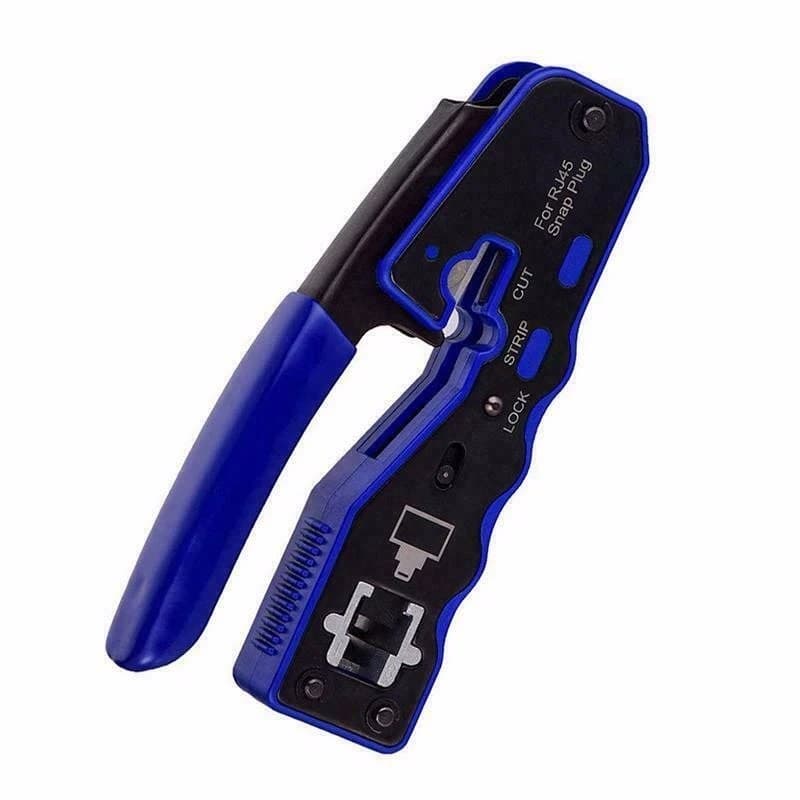
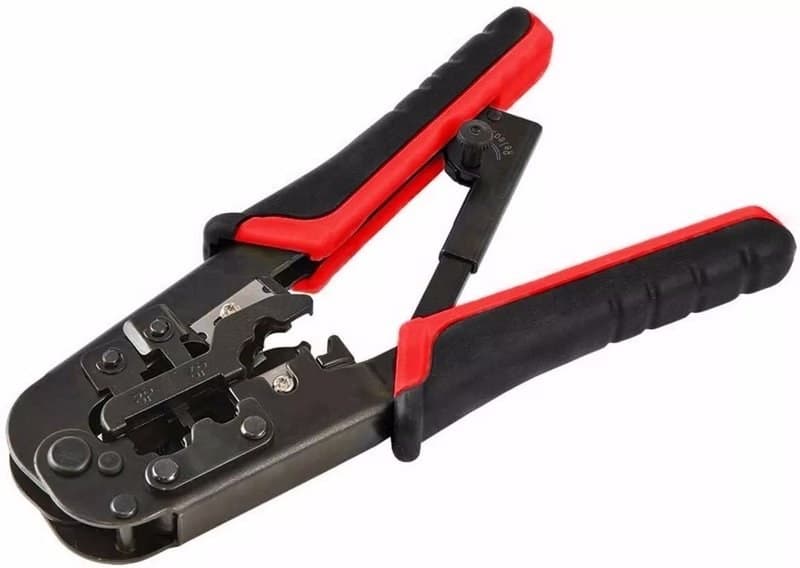
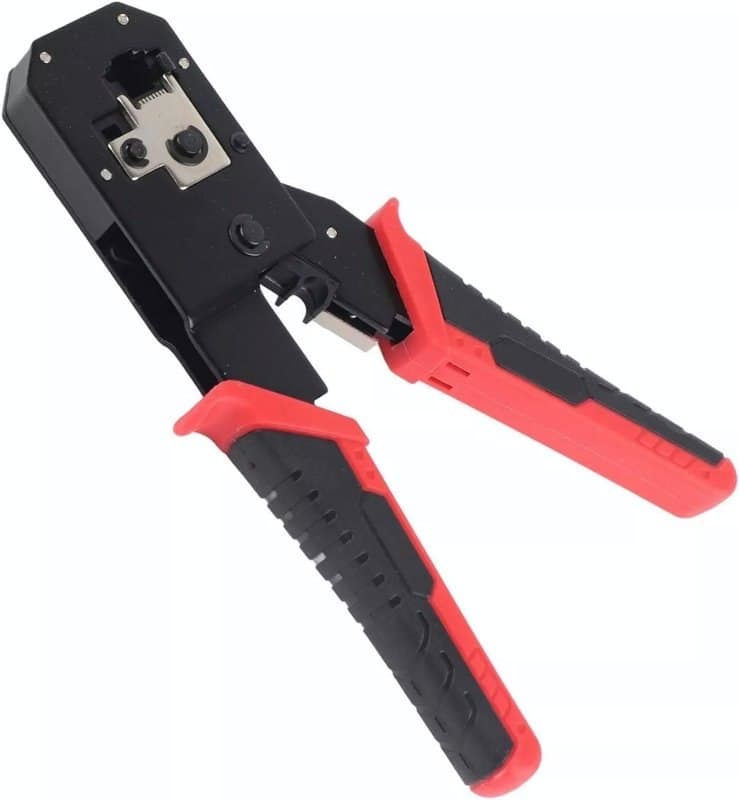
You need the cable, a plug that suits it and a crimp tool. Our N568R modular plug crimper and HT-318 modular crimper both crimp, cut and strip, and work with RJ45, RJ11 and RJ12 connectors on Cat5e and Cat6 cable. For Cat6a or shielded plugs, our pass-through RJ45 crimp tool covers Cat6a, Cat6, Cat5e and Cat5 and takes both standard and pass-through plugs. Add a tester from our testing tools.
Standard or pass-through plug?
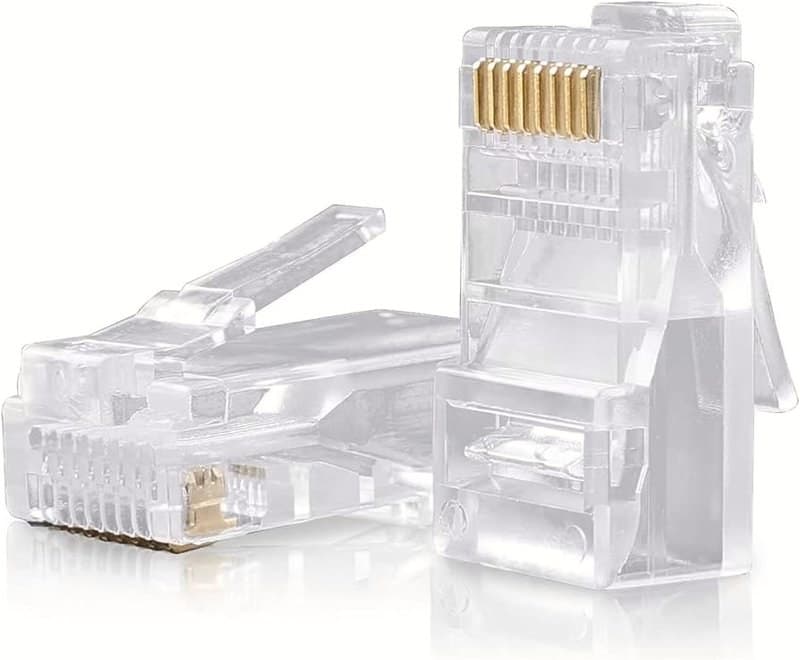
With a standard plug, such as the Cat6 8P8C modular plug, the wires stop at the end of the plug, so you must cut them to length first and push them in until each one touches the end. The clear housing lets you check the order before you squeeze. With a pass-through plug the wires go straight through the front, so you can see the order at the tip and the tool trims the ends for you. Our shielded Cat6 pass-through plugs work this way, and they need a pass-through crimp tool. Match the plug to the cable: the Klein Tools VDV826-764 plugs are made for Cat6a and larger-diameter shielded Cat6.
Step by step
- Strip. Remove enough outer jacket for the wires to reach the end of the plug, without nicking the pairs. Our crimpers have a stripping function, or use a cable stripper.
- Untwist and order. Separate the pairs and untwist only as far as you must. Lay the wires left to right, as you would read the plug with its clip facing down: white-orange, orange, white-green, blue, white-blue, green, white-brown, brown. This is the T568B order.
- Keep both ends the same. Wire the other end in T568B too. If one end is T568A and the other T568B, the cable is a crossover and is not what a camera or switch expects.
- Trim. For a standard plug, cut the wires square and level. For a pass-through plug, leave them long and let the tool cut them.
- Insert. Push the wires in until the copper reaches the end of the plug and the jacket sits inside the plug body, so the clamp grips the jacket and not the wires. Look at the tip to check the colour order again.
- Crimp. Place the plug in the matching die and squeeze fully until the tool releases.
- Test. Plug both ends into a tester before you connect a camera.
Why test every cable
A tester checks each wire for open circuits, short circuits, reversed connections and crossed wires. Our network cable tester does this for RJ45 and RJ11. A plug that looks fine can still have one wire that has not made contact, and a camera on a PoE run can then power up but drop its picture, or restart. Testing on the bench takes seconds; finding the fault after the cable is clipped up takes much longer. Our IPC-5100C Plus camera tester has a cable tracer and PoE output, so you can also check the camera at its end.
When a bad crimp causes dropouts
If a camera loses its picture now and then, look at the plugs first. Causes to check are a wire that is not pushed fully home, a jacket not clamped inside the plug and a pair untwisted too far. Cut the plug off, re-terminate it and test again. Browse our connectors for plugs, and ask us before ordering if you are not sure which plug fits your cable.
Parts named here
- Part number MODULAR-PLUG-CRIMPER-N568RN568R Modular Plug Crimper for RJ45, RJ11 and RJ12, Cuts, Strips and Crimps
- Part number MODULAR-CRIMPER-HT-318HT-318 Modular Crimping Tool for RJ45, RJ11 and RJ12, Hardened Steel Dies
- Part number EZ-Crimper-TLK-RJ45-LAN-Ethernet-PatchPass-Through RJ45 Crimp Tool for CAT6A, CAT6, CAT5e and CAT5, Cutter and Stripper
- Part number RJ45-CAT6-8P8CCAT6 RJ-45 8P8C Modular Plug, 50µ Gold Contacts, 3 Piece Design with Strain Relief
Frequently asked questions
Should I use T568A or T568B for CCTV cable?
Either works if both ends match. We use T568B here. Mixing the two across one cable makes a crossover.
Do I need a pass-through crimp tool?
Only for pass-through plugs. Standard plugs work with an ordinary RJ45 crimper, such as our N568R or HT-318.
Why does my camera drop out after I fitted a new plug?
One wire may not be touching its contact. Test the cable, then cut the plug off and crimp a new one.
Sources & references
- RJ45
- crimping
- network cable
- PoE cable
- cable tester
Written by
CCTV Gear team