
Buying guides
PoE Switch for CCTV: How Many Cameras Can It Power?
A PoE switch is limited by its total power budget in watts, not by its port count. Add up your cameras' draw, then choose the switch.
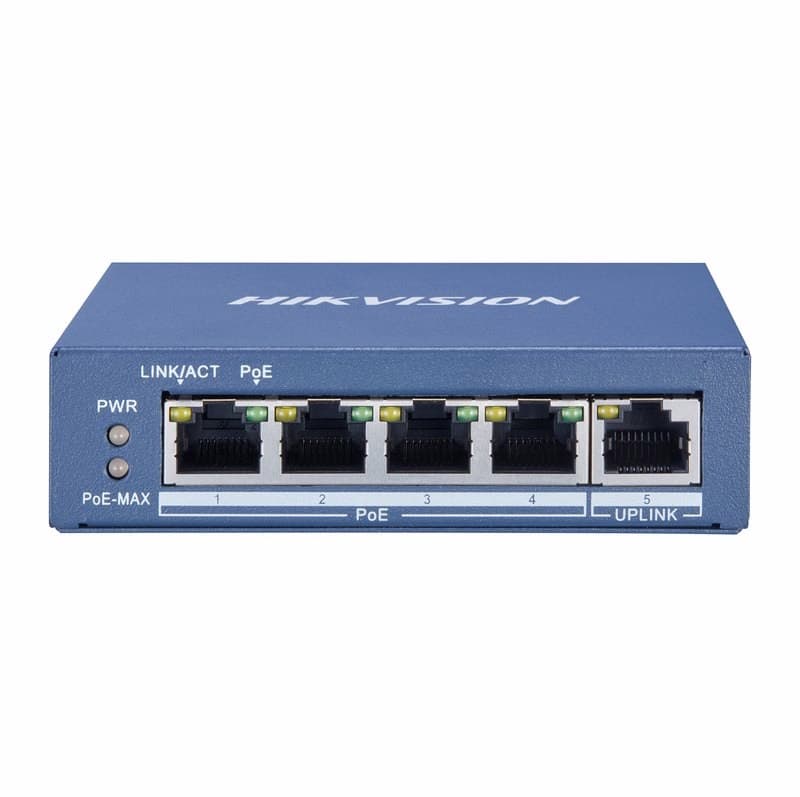
A PoE switch is limited by two numbers, and the port count is the less important one. The total PoE budget in watts decides how many cameras can switch on. A 4-port switch with a 60 W budget powers two cameras that each draw 17 W at most, not four, and an 8-port switch with a 110 W budget powers five. Add up what your cameras draw, then pick the switch whose budget covers it.
Ports and budget: the two numbers on the label
Ports say how many cables you can plug in. The budget says how much power the whole switch can give out, shared between every port. Our Hikvision DS-3E0505P-E has four Gigabit PoE ports and a separate Gigabit uplink port. Each PoE port can give up to 30 W, but the total PoE budget is up to 60 W, so two 30 W devices would use all of it. The uplink is not a camera port, so count only the PoE ports.
How to count your cameras
Find each camera's maximum power draw in its specification and plan on that figure. The Hikvision DS-2CD2347G3-LIS2UY/SL, a 4 MP turret camera, lists PoE to IEEE 802.3at, Class 4, at most 17 W. The switch also loses some power in the cable and itself, so the calculator works the budget needed as load x 1.2. A 17 W camera therefore counts as 20.4 W. Divide the switch budget by 20.4 and round down:
- 4-port, 60 W budget: 60 / 20.4 = 2.9, so 2 cameras. Three cameras would need 61.2 W.
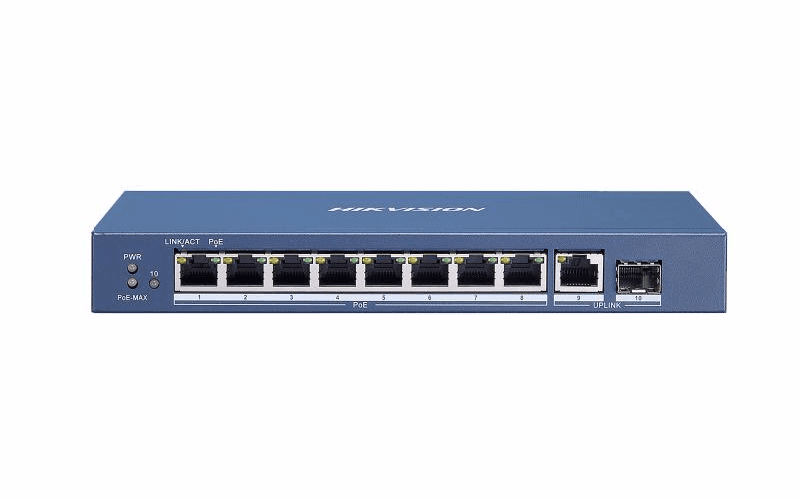
- 8-port, 110 W budget: 110 / 20.4 = 5.4, so 5 cameras (102 W), although the switch has 8 PoE ports. Six cameras would need 122.4 W.
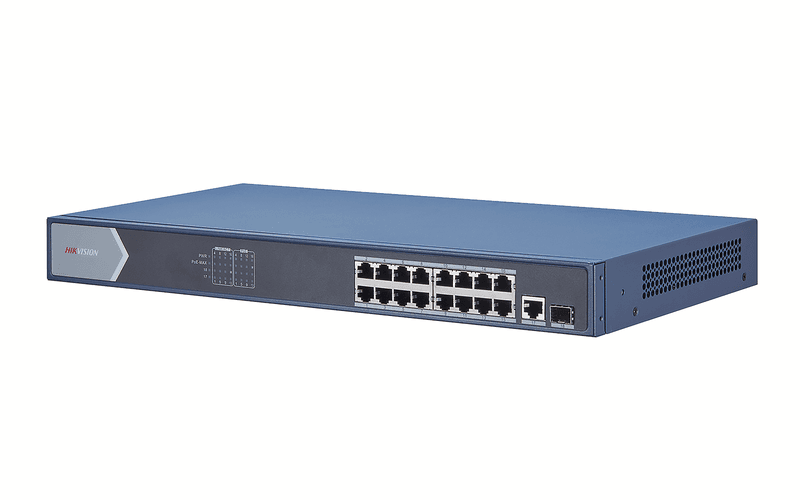
- 16-port, 230 W budget: 230 / 20.4 = 11.3, so 11 cameras (224.4 W), with 5 PoE ports left over.
Those sums assume every camera draws its 17 W maximum. If your cameras differ, add each one's maximum, multiply the total by 1.2 and compare the result with the budget. The PoE calculator does the adding for you: list your cameras and it gives the total PoE budget in W, the ports and the standard (af, at, bt) needed.
af or at
The three Hikvision switches here support IEEE 802.3af and IEEE 802.3at, with up to 30 W from each port. A camera that asks for 802.3af, such as the Hikvision DS-2CD2347G2-LSU/SL, runs on them, and so does an 802.3at camera like the one above.
When to step up to 8 or 16 ports
Step up when your sum runs out of watts, not only when you run out of ports. If your cameras' load x 1.2 is more than 60 W, the 8-port Hikvision DS-3E0510P-E gives a budget of up to 110 W. For more than five cameras at 17 W, the 16-port Hikvision DS-3E0518P-E has a budget of up to 230 W. The Dahua DH-PFS4218-16ET-240 also has 16 PoE ports, at 100 Mbps, with a 240 W budget. That is 11 cameras at 17 W (224.4 W). Browse all PoE switches for IP CCTV cameras, or go straight to the 4-port and 8-port ranges.
Before you buy
Write down each camera's maximum draw, add them up, and multiply the total by 1.2 and compare the result with the budget in watts. Then check the number of PoE ports. If you plan to add a camera later, leave some watts and a port spare.
Parts named here
- Part number DS-3E0505P-EHikvision DS-3E0505P-E 4-Port Gigabit PoE Unmanaged Switch, 60W PoE Budget
- Part number DS-3E0510P-EHikvision DS-3E0510P-E 8-Port Gigabit PoE Switch for IP Cameras, 110W Power Budget
- Part number DS-3E0518P-EHikvision DS-3E0518P-E 16-Port Gigabit PoE Switch for IP Cameras, 230W Power Budget
Frequently asked questions
How many cameras can a 4-port PoE switch power?
It depends on the watts. The Hikvision DS-3E0505P-E has a 60 W budget, so cameras that draw 17 W at most come to two, not four, once you add 20% for cable and switch losses.
Is a PoE switch's port count or budget more important?
The budget. Ports only say how many cables fit. The total PoE budget in W says how many cameras can be powered at once.
How do I work out the PoE budget I need?
Add up each camera's maximum power draw from its specification, multiply by 1.2 for cable and switch losses, and choose a switch with a budget above that figure.
Does the uplink port power a camera?
No. The uplink connects the switch to the rest of the network. Count only the PoE ports for cameras.
Part types on this subject
- PoE switch
- PoE budget
- 4-port PoE switch
- 8-port PoE switch
- IP cameras
Written by
CCTV Gear team