
Buying guides
WD Purple or SkyHawk for CCTV: What to Compare
Both are surveillance drives. Compare workload, camera count, cache and warranty on the datasheets, and check what your recorder supports.
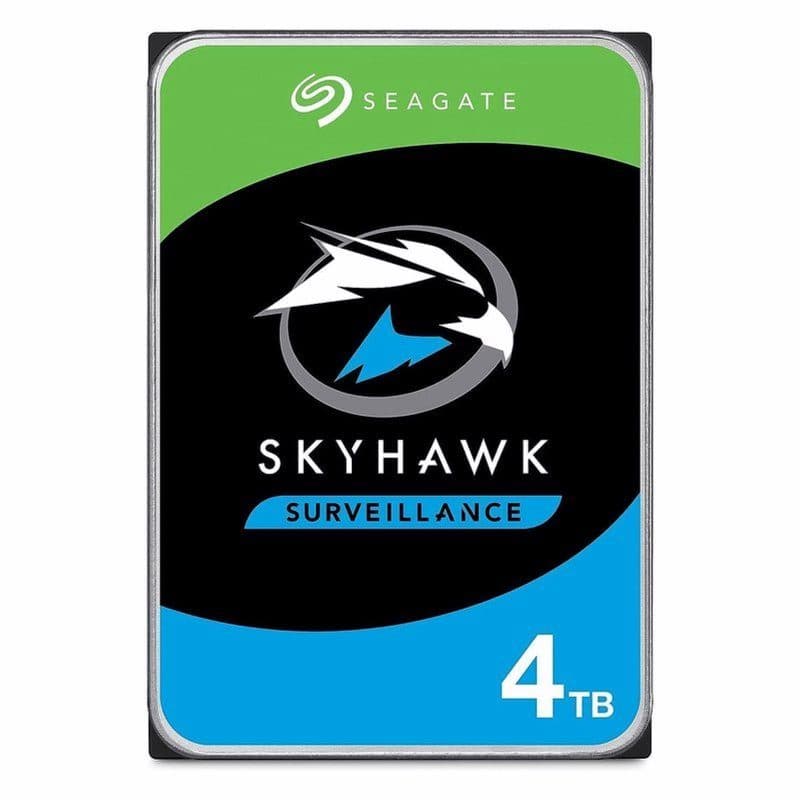
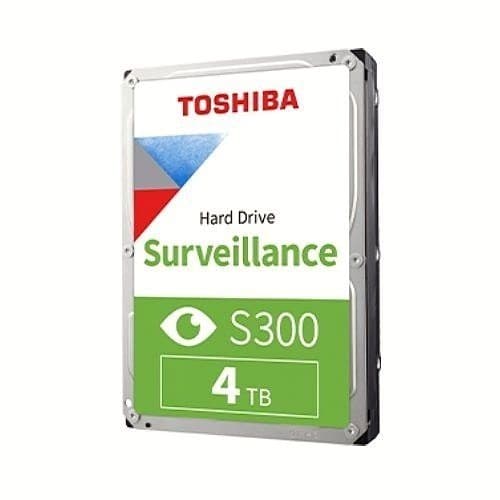
If you are choosing between a WD Purple and a Seagate SkyHawk for a CCTV recorder, you are comparing two drives built for the same job, so the answer comes down to the figures on each maker's datasheet, not the name. Read the same four lines on both: the yearly workload rating, how many cameras the maker says it supports, the cache size and the warranty. We list the SkyHawk and the Toshiba S300 as 4TB surveillance drives; we do not list a WD Purple, so this guide shows you what to compare rather than selling you one.
What a surveillance drive does differently
A PC drive is used in bursts, then sits idle. A recorder writes video to its drive all day and night, from several cameras at once, so a surveillance drive is tuned for long runs of steady writing. Our SkyHawk 4TB is described as optimised for 24/7 recording in DVR and NVR systems, and it uses ImagePerfect firmware, which Seagate designs to keep recording consistent across several camera streams and to cut dropped frames. The Toshiba S300 4TB is described in the same terms: continuous recording, 5400RPM, built to keep write performance steady for video streams.
The four lines to compare
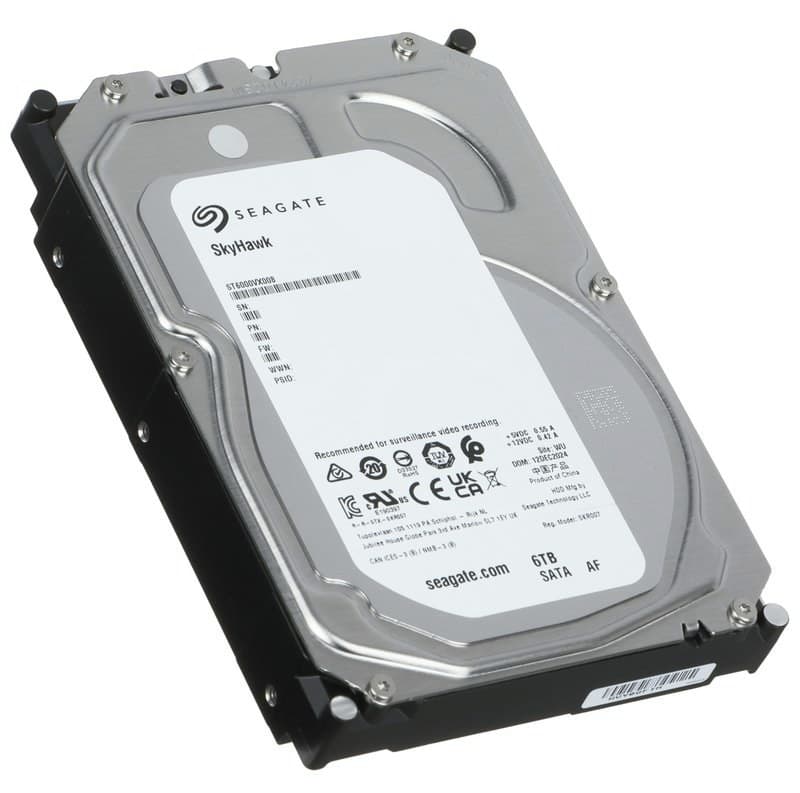
Workload rating. This is how much data the drive is rated to read and write in a year. The SkyHawk 6TB, for example, is specified at 180TB a year and 8,760 power-on hours a year, which is every hour of the year. A drive with a lower rating is a poorer match for a recorder that never stops.
Camera count. Makers state how many cameras a drive is designed to support. The SkyHawk range is specified for up to 64 HD cameras and multi-bay recorders. Match this to your own system, not to the largest number on the page.
Cache. The SkyHawk 6TB has a 256MB cache and a maximum sustained transfer rate of up to 180MB/s. Cache and speed matter less than sustained writing, but a datasheet that gives neither tells you less than one that does.
Warranty. The SkyHawk 6TB carries a 3-year limited warranty and a 1,000,000-hour MTBF figure. Compare the term, because a recorder drive that fails takes your footage with it.
What matters more than the brand
Check the recorder before the drive. Look up your recorder's model on its datasheet and read the largest drive size it supports and how many bays it has. A drive the recorder does not support may not be recognised, whichever brand is on the label. For how many terabytes you need, see our guide to how many TB a CCTV recorder needs, which has the sums for 4, 8 and 16 cameras.
Which drives we stock
For a 4TB recorder drive we have the Seagate SkyHawk 4TB at 5900RPM and the Toshiba S300 4TB at 5400RPM. If you need more room, the Seagate SkyHawk 6TB is listed too. You can browse every size in Storage or go straight to the 4TB drives. Ask us before ordering if you are unsure your recorder will accept a drive of that size.
Parts named here
- Part number HDD-4TB-SEAGATE-SKYHAWK-SLIMSeagate SkyHawk 4TB Surveillance Hard Drive, 3.5" SATA III 5900RPM
- Part number HDD-4TB-TOSHIBA-S300Toshiba S300 4TB Surveillance Hard Drive, 3.5" SATA III 5400RPM, for DVR and NVR
- Part number HDD-6TB-Seagate-SkyHawk-ST6000VX008Seagate SkyHawk ST6000VX008 6TB Surveillance Hard Drive, 3.5" SATA 6Gb/s
Frequently asked questions
Is a WD Purple the same as a SkyHawk?
Both are surveillance drives for recorders that run all day. Compare each datasheet's workload rating, camera count, cache and warranty rather than assuming they match.
Can I use a normal PC drive in a CCTV recorder?
It may be recognised, but a PC drive is not built to write video all day. Use a drive described as surveillance, such as a SkyHawk or S300.
- hard drives
- SkyHawk
- WD Purple
- surveillance hard drive
Written by
CCTV Gear team